Jay's Dotfiles (Bash ,i3, Sway, Tmux, Vim, Zsh and more!)
My actual config files. The ones I use every day.
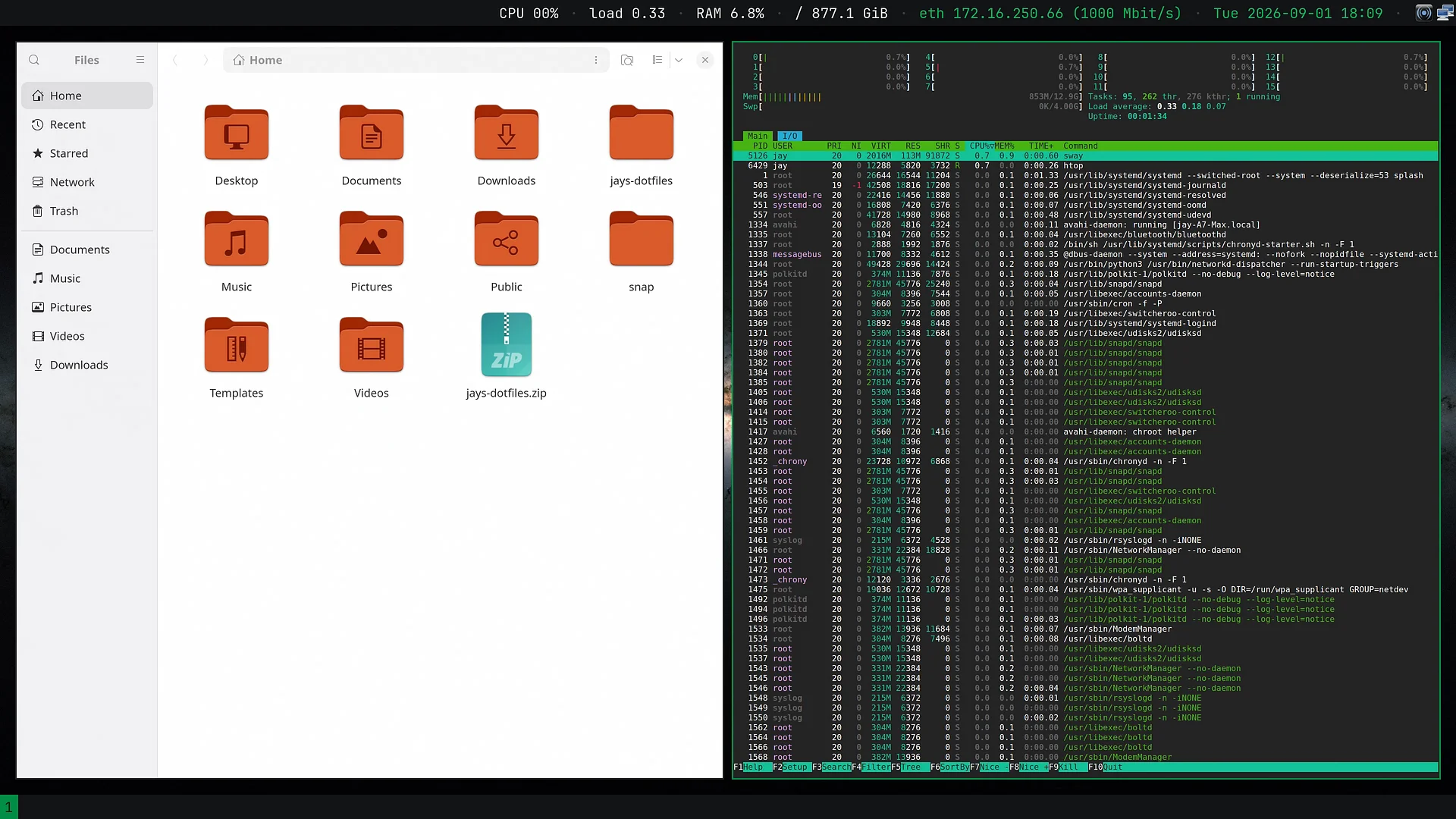
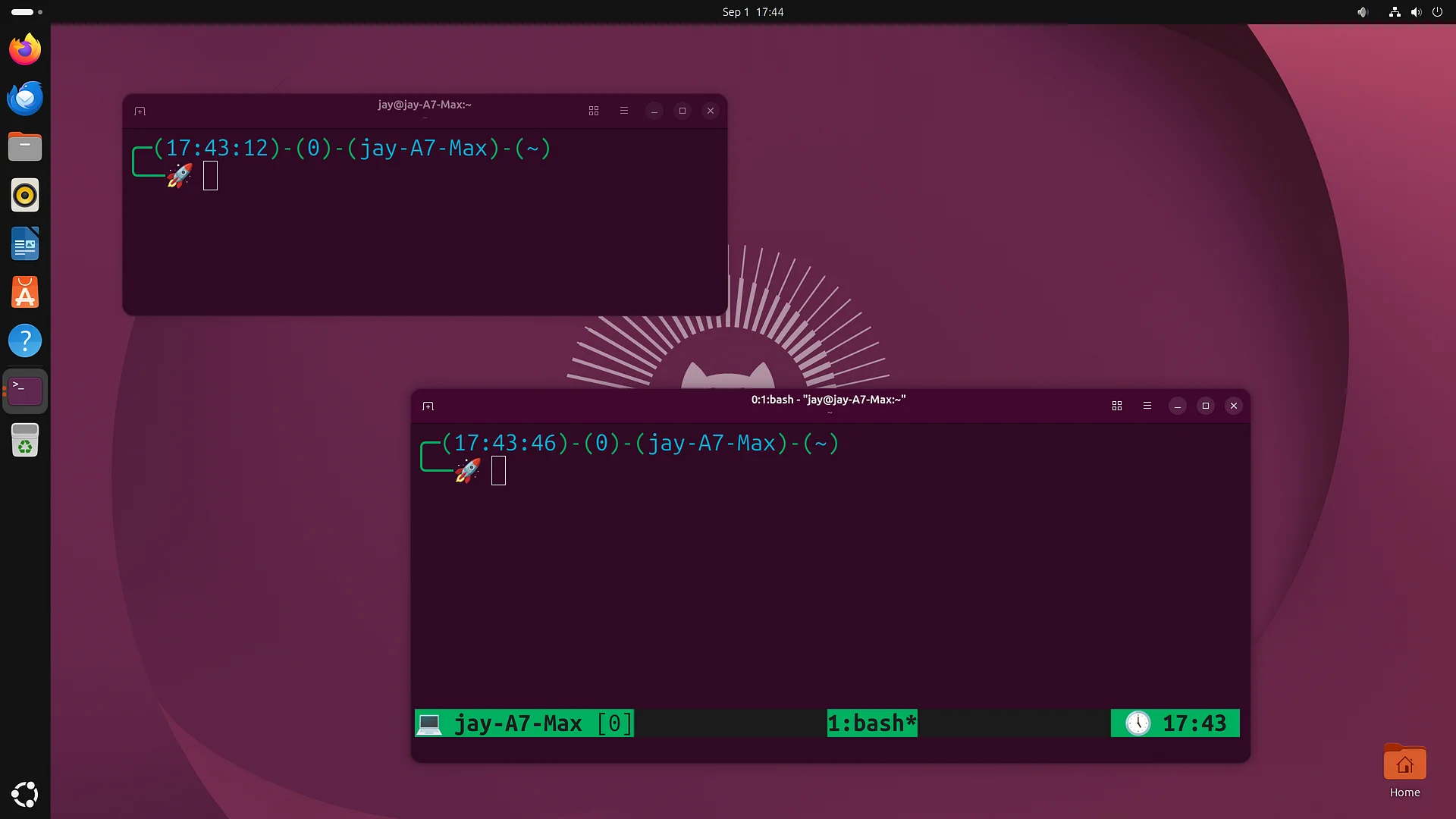
I've been refining this setup for over ten years - and these are the configs and tweaks I rely on for my day to day productivity. It contains all kinds of nuggets: Bash aliases that can be hard to live without, aliases that simplify a number of complicated commands, a tmux config that makes logical sense, a productivity-oriented i3/Sway workflow, and so much more.
All of this in an installable package so you can put it on your own machine and get on with your day.
It isn't a curated "best of the internet" collection, and it isn't a framework you have to learn. It's my dotfiles, lightly generalized so they work on your box instead of only mine.
What's inside
-
bash —
.bashrc,.bash_profile,.profile, and a~/.bash/directory split into prompt, aliases, and functions -
zsh —
.zshrcplus~/.zsh/(aliases, functions, history, completion, key bindings, prompt) -
vim —
.vimrcand the xoria256 color scheme - tmux — mouse mode, sane splits, resurrect/continuum ready
- i3 — my full tiling WM config, wallpaper included
-
git — a portable
.gitconfigand a global.gitignore - GNOME — my keyboard shortcuts, applied only if you actually run GNOME
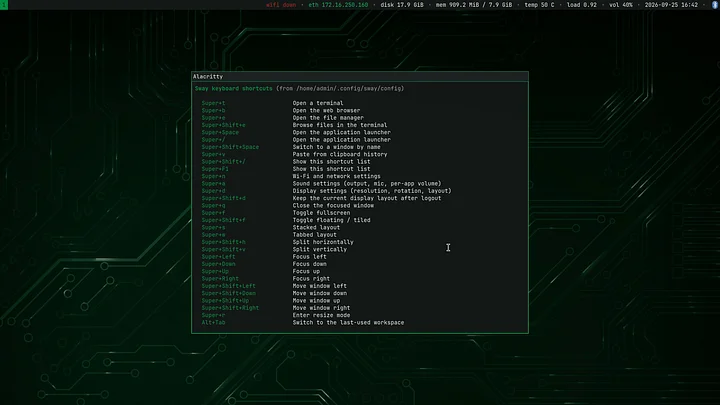
Plus INFO.md: the shortcuts and tips that make each config worth having, written down so you're not reverse-engineering my keybinds.
An installer that won't surprise you
Run ./install.sh and it walks through four steps, explaining each one and pausing before it does anything:
- Checks your tools. bash, zsh, vim, tmux, git, plus a few nice-to-haves. Anything missing, it shows you the exact command for apt, dnf, pacman, or zypper — and offers to run it, but never without asking.
-
Copies the dotfiles into
$HOME. Every file it would replace is renamed with a.before-jaysuffix first. -
Sets your Git name and email. Optional — the shipped
.gitconfigleaves them blank on purpose so you don't commit as me. - Applies the GNOME shortcuts. Skipped automatically if you're not on GNOME.
Then it prints a summary of every file it installed and every backup it made.
Nothing is ever deleted. Undoing a single file is two commands. The only thing that ever runs as root is the package install you explicitly approved in step 1.
What to expect
Package names differ between distros, so you may need to adjust something here or there — the installer points you in the right direction wherever it can. These are config files, not software with a support contract. But they're a genuinely good starting point, and everything in here is documented rather than left for you to guess at. If the installer doesn't work though, you can always copy the files manually or cherry-pick your favorite additions.
The download
A zip containing install.sh, INFO.md, THANKYOU.md, and a payload/ directory laid out exactly as it lands in your home folder. Unzip, open a terminal, run the installer.
Thanks for the support — it makes this kind of thing possible.