Custom Sway Distro for Raspberry Pi 5
Learn Linux TV Sway Deskto for Raspberry Pi
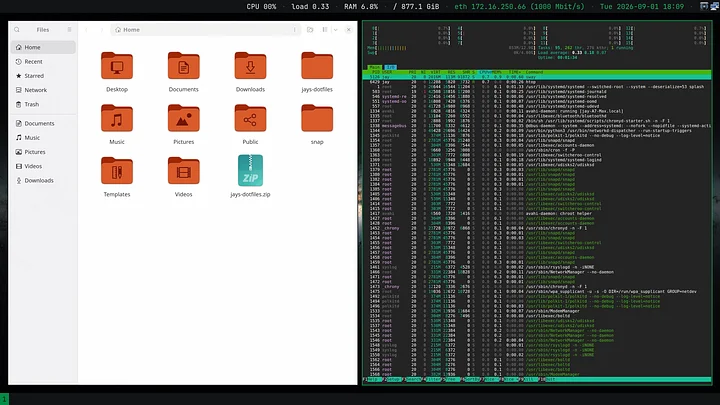
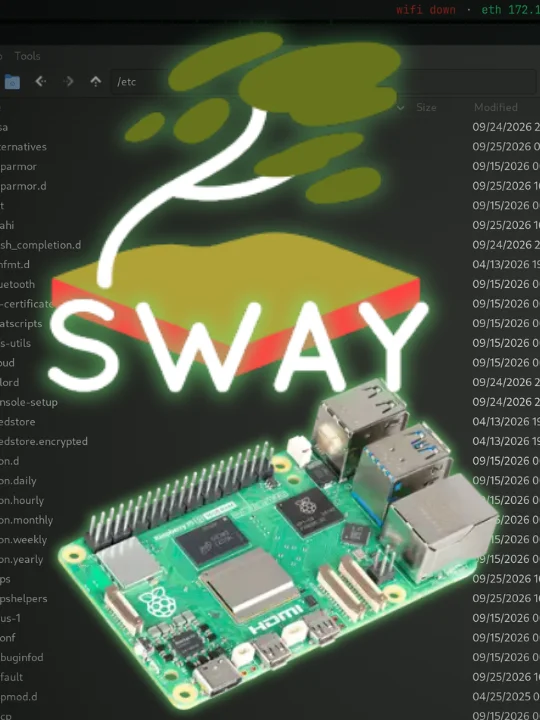
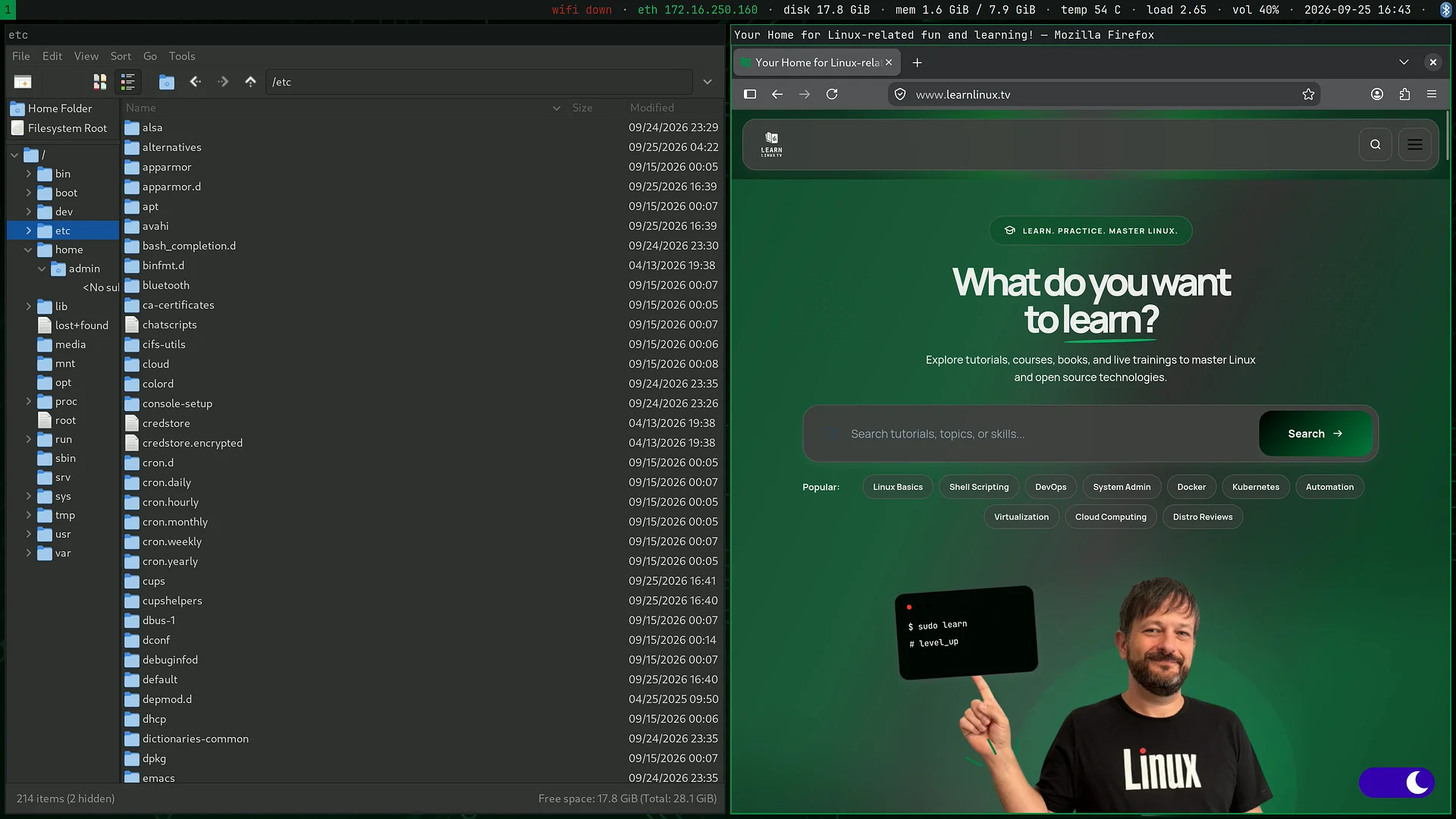
A complete desktop for the Pi 5, built on Raspberry Pi OS (Debian 13 "Trixie") and running the Sway tiling window manager on Wayland.
Custom built by Jay!
Everything is configured and ready on first boot - this is not a minimal starting point that leaves you to assemble a desktop yourself. Flash it, boot it, answer a few questions, and you have a working machine.
It is also built to be learned from. Nothing is hidden or obfuscated.
What You'll Need
- Raspberry Pi 5
- microSD card (16 GB or larger recommended)
- Monitor
- Keyboard and mouse
- Raspberry Pi Imager (free download)
Note: This image was built only for the Raspberry Pi 5
What makes it different
A tiling desktop that doesn't assume you're already an expert.
Most tiling window manager setups are configured for the person who built them. This one is configured for someone arriving new:
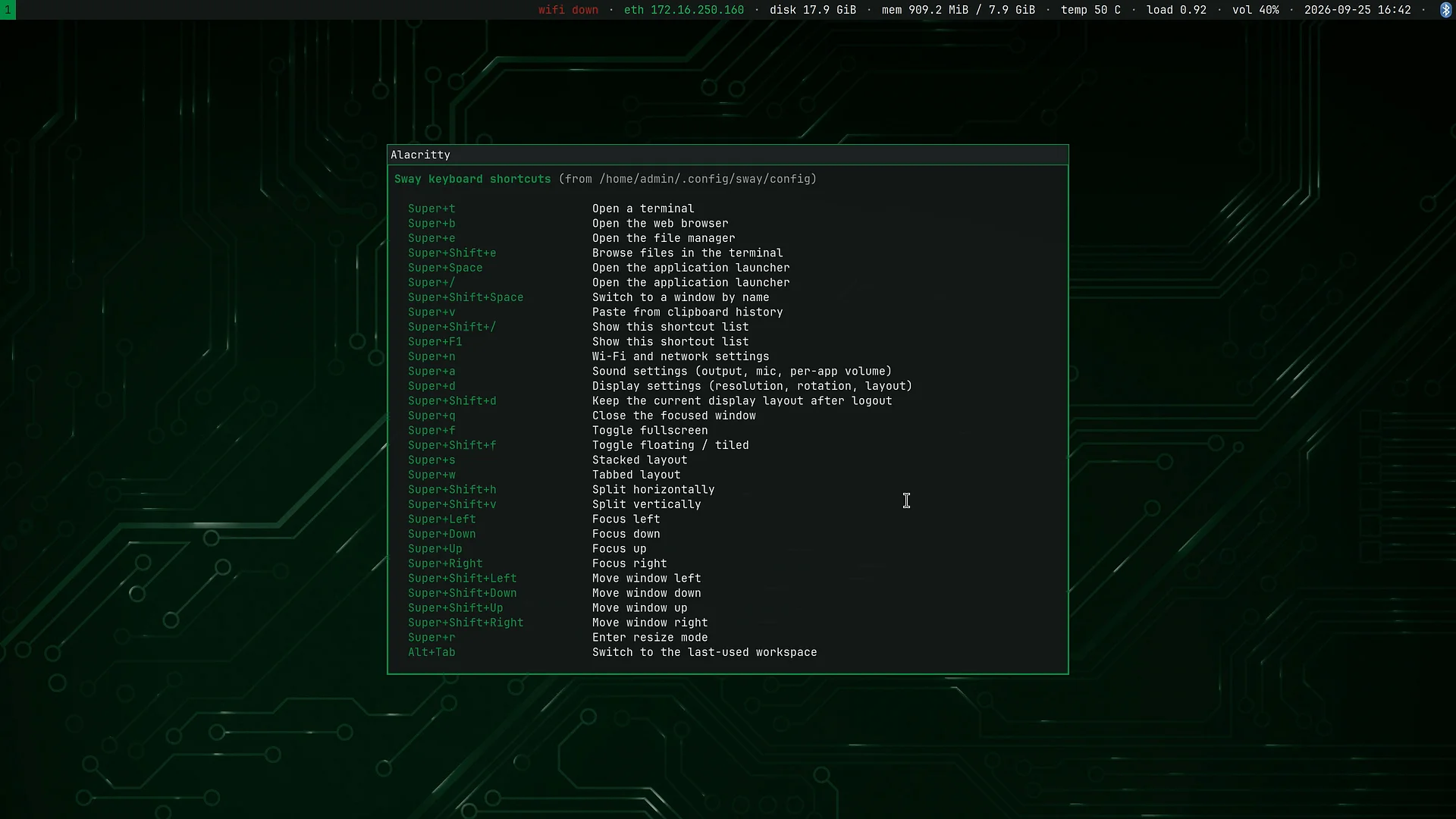
- Press Super+F1 at any time for a complete list of keyboard shortcuts
- Two modifiers, cleanly divided. Super drives applications and windows; Alt drives workspaces. They never collide.
- Flatpak applications installed on first boot (or you can opt out of Flatpak at your discretion)
- Performance tweaks, such as enabling zram, early out of memory protection, and more
- Optional support for multimedia files, printers, scanners, development and more
- Swaybar is configured to show important system info
- Supports Bluetooth and WiFi
- Clipboard history that survives
- USB sticks and SD cards mount themselves
Example keyboard shortcuts
There's a ton of keyboard shortcuts baked into the image. And to give you a taste, here are some of the more useful ones:
- Super+Space - Application launcher
- Super+N - Wi-Fi and network settings
- Super+A - Sound settings (output, microphone, etc)
- Super+D - Display settings
- Super+V - Clipboard history
- Super+F1 - View a list of all shortcuts anytime
What's included
Already in the image:
- Sway desktop, fully themed and configured
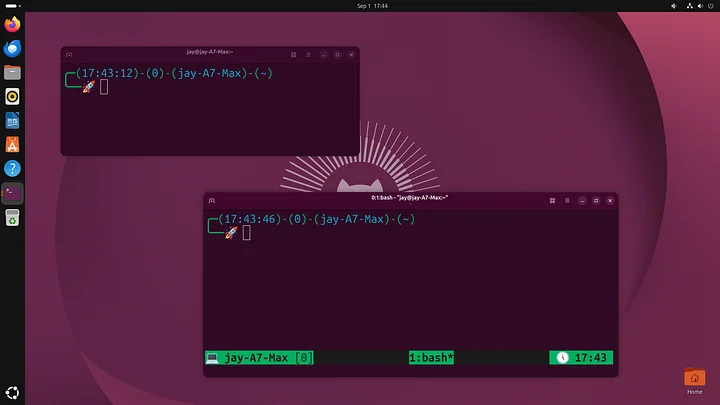
- Alacritty terminal
- mpv media player (hardware-accelerated)
- Image viewer, PDF reader, text editor, calculator, archive manager, and a file manager
- Terminal tools: nano, vim, neovim, micro, tmux, git, htop, jq, curl, wget, ssh etc
Offered on first boot (so the download stays small, and you only get what you want):
- Firefox, LibreOffice, GIMP, Thunderbird
- Warehouse and Flatseal for managing Flatpak apps
- Printer and scanner support
- Extra multimedia codecs
- Extra firmware for add-on hardware such as USB Wi-Fi adapters
- Additional languages
- Developer toolchain
You can also search and install anything on Flathub with a single command: install-app
First boot
A welcome screen runs the first time you log in and walks through:
Everything is optional, nothing is a one-way door, and you can run welcome again at any time.
Built with modern Linux throughout
- Wayland
- Flatpak
- PipeWire
- zram compressed swap (no SD card wear)
- deb822 repositories
- Automatic Flatpak updates
Honest notes
- The apps download on first boot. This keeps the download small, and you install only what you want
- This is a tiling desktop. It's keyboard-driven and it works differently from GNOME, KDE or Windows. The built-in shortcut reference and the welcome screen are there to help, but expect a short learning curve - that's the point.
- It's a learning image, not a supported product. It's provided free of warranty. Back up anything you care about before writing to a card.
- That said, if you do run into any problems let me know!
Licence
The desktop configuration, setup scripts and documentation are MIT licensed - use them, modify them, build your own image from them. The rest of the image is Raspberry Pi OS and Debian, under their own licences, with full licence text included on the image itself.
Made by Learn Linux TV — https://www.learnlinux.tv
⚠️ Raspberry Pi 5 only
This image will not boot on a Raspberry Pi 4 or earlier. The kernels for every other Pi generation have been removed from the image to keep the download small, so older boards most likely will not work.